
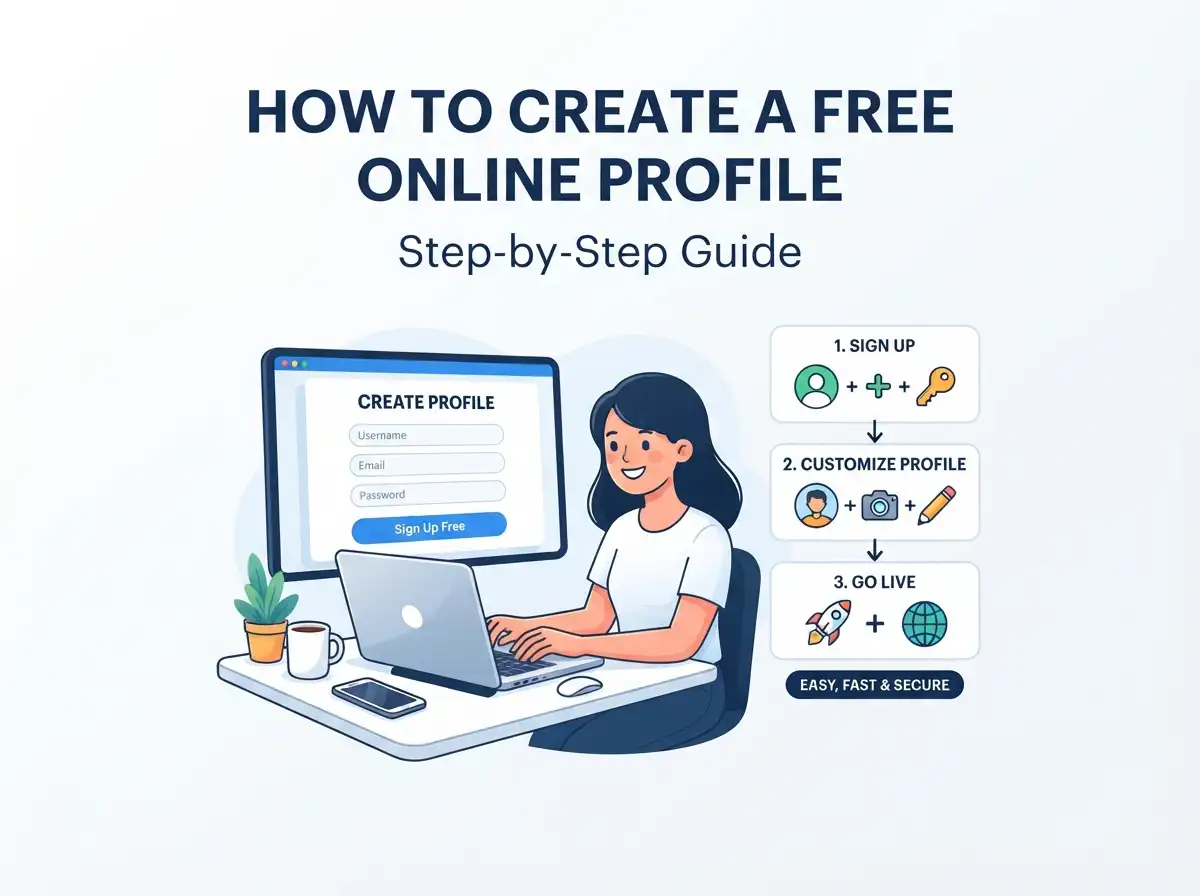
People find you in scattered places: a social network, a message, a search result, a conversation. A single profile page gives all those visitors one clear next step. You can create a free online profile in about three steps, and you don't need to build a website from scratch.
The example here is Suryani, the tool behind Profile Portal. You sign up, fill in your details from a dashboard, and share one link. Below, you'll see what goes on the page, who it suits, and how to get the link in front of people.
Quick Answer
To create a free online profile, sign up for a free account on a profile platform such as Suryani, then add your photo, bio, social links, website and contact details. Once the page is ready, share its unique profile link in your social bios, emails, messages, or on a digital business card. Updates are made from your dashboard.
What Is a Free Online Profile?
A free online profile is a personal page that pulls the most useful parts of your online identity into one place. Instead of sending people hunting for your social media accounts, portfolio, website and contact details separately, you hand over one URL.
A free profile creation website like Suryani handles the page for you. You add a bio, a profile photo, social media links, contact actions, website details, a background image and gallery work. The finished page can act as a link in bio, a portfolio profile, or a digital business card.
How to Create a Free Online Profile in 3 Steps
The process runs from sign-up to a shareable page. Free to start, and easy to change later.
Step 1: Sign Up
Open the Suryani profile page and choose the create free profile button. Account creation goes through a secure sign-in flow.
Step 2: Build Your Profile
Now fill in the page. Add your photo, bio, social links, website, portfolio, gallery and contact information. Start with what you already have, since you can edit everything from the dashboard whenever your work changes.
Step 3: Share Your Profile
Every profile gets its own link. Post it on social media, put it on your website, drop it into an email, or print it on a business card.
What to Add to Your Free Personal Profile Website
A good profile answers three questions fast: who you are, what you do, and how to reach you. The table below shows the building blocks Suryani offers.
Profile views are also visible from your dashboard, so you can see whether anyone is actually visiting.
Who Can Use a Free Professional Online Profile?
Anyone who wants one simple page for work, projects, identity or contact details. Suryani lists a few common groups.
How to Share Your Profile Link Online
Sharing is the whole point, so the link needs to be everywhere people already look at you. Suryani suggests social bios, messages and email signatures. You can also add it to your website or a business card.
The page is mobile-friendly, which matters because many visitors arrive from a phone. Used this way, the profile works as a link in bio: your social, website, portfolio and contact links sit on one page, and you share a single URL.
At a meeting or event, the same link doubles as a digital business card. Your name, photo, job title, bio, contact details, website and social media travel together, and nothing gets misplaced the way paper can.
Best Practices for Your Profile
For more ideas, the Profile Portal blog covers practical topics, including common online profile mistakes and ways to build trust online.
Frequently Asked Questions
How do I create a free online profile?
Sign up through the secure sign-in flow, then add your photo, bio, social links, website and contact details. Share the unique profile link once your page is ready. You can edit it from your dashboard at any time.
Is Suryani free to use?
Yes, you can create a free profile and start adding your information. The platform describes itself as free to start.
Can I use my profile as a digital business card?
Yes. Share your profile URL and people see your name, photo, bio, contact options, social links and website in one place.
Can students and freelancers make a profile?
Yes. Anyone who wants one page for work, projects, identity or contact information can create a profile. Students can add projects and achievements, and freelancers can add services and portfolio work.
Can I customize my profile link?
Yes. The dashboard includes custom subdomain tools, so you can choose a memorable public address for your profile.
Start With What You Already Have
You don't need a finished portfolio or a perfect bio to get going. Add the links, photo and contact details you already use, then build the page up over time. Suryani is built by Suryani International, and the sign-up page is ready when you are.